
A companion for your desktop.
With Desktop Paka, your Paka lives on your Mac or Windows screen. It wanders around while you work, chats when you tap it, and gets sleepy when it's late.
On your phone?
Desktop Paka runs on Mac and Windows computers, not phones. To get it, open this page on your computer:
pakaplanet.com/desktop Email myself the link Opens your email with the link written in. Add your own address and send.Free. No account needed.
What your Desktop Paka does
It keeps you company while you work, and stays out of the way.
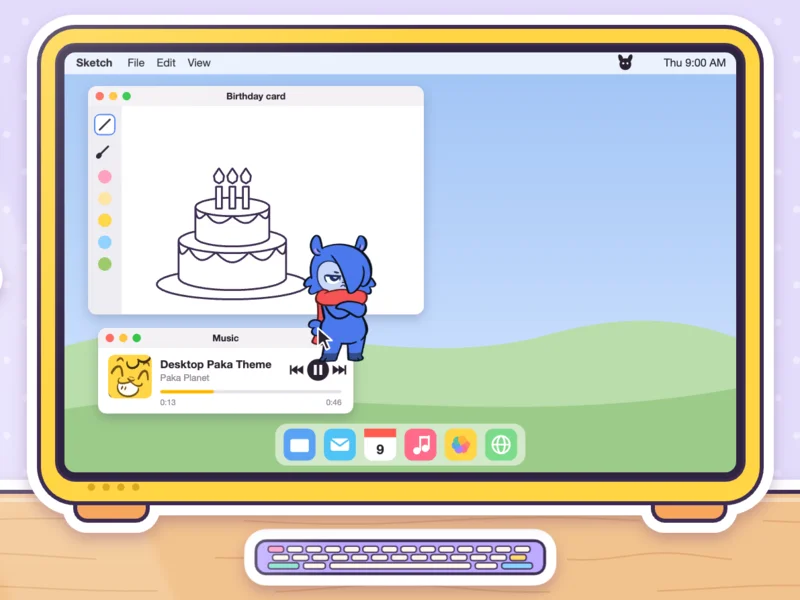
Lives on your screen
It strolls along the bottom of your screen and hangs out in front of your windows. Clicks around it go straight through to your apps.
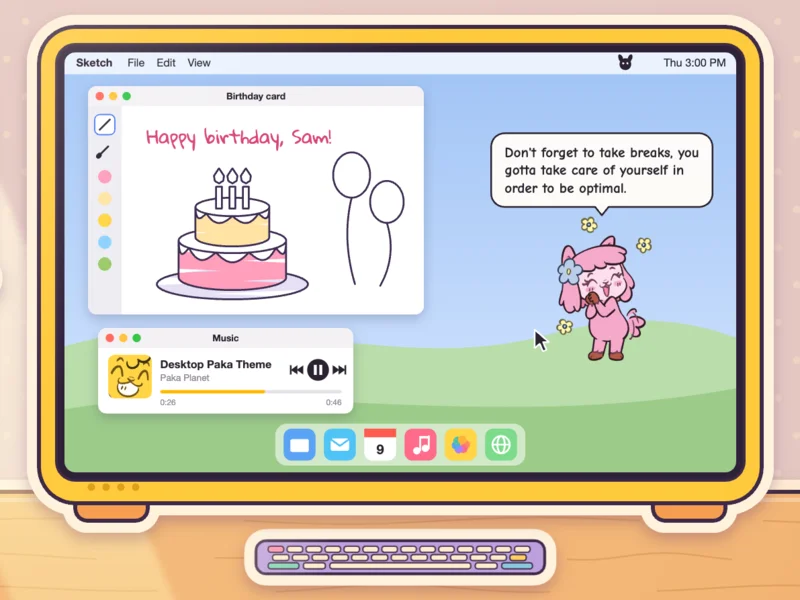
Chats when you tap it
Tap your Paka and it says something only it would say.
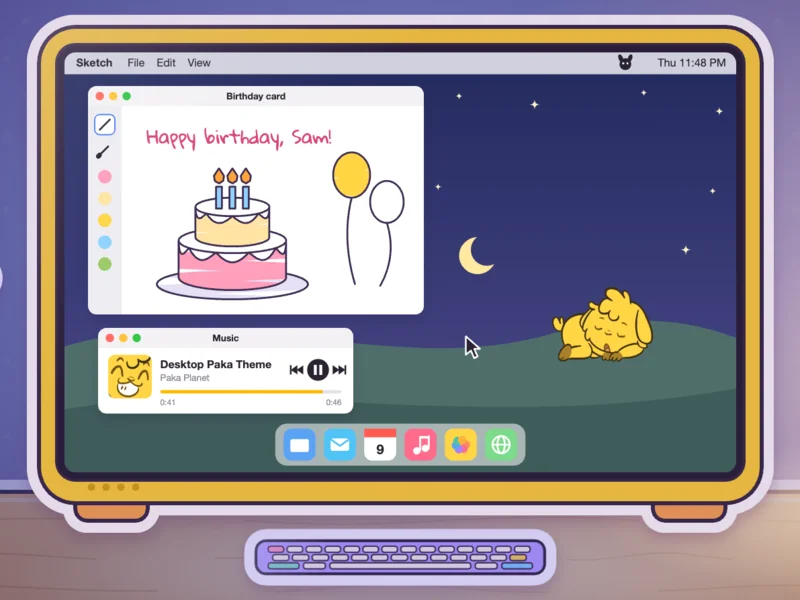
Gets sleepy at night
Late at night it yawns and dozes off. A tap wakes it up.
Pick your Paka
Switch any time from the Paka icon in your menu bar or system tray.
Just do your best, Pardner, I promise it's always going to be enough!

Yunka
The cheerful one.
I just slammed a matcha and I'm raring to go! WOO

Caraka
Your biggest fan, full of fun facts.
I'm only using about 20 percent of my power to get my tasks done, what about you?

Dekka
Your self-appointed rival.
Set up in a minute
Mac
- Download Desktop Paka.
- Open the file and drag the app into Applications.
- Open it from Applications. Your Paka appears.
Windows
- Download Desktop Paka and unzip it.
- Open the Desktop Paka folder and run desktop_paka.exe. Keep the folder together.
- If Windows shows a blue warning, choose More info, then Run anyway.
Yes.
No. Download it, open it, and your Paka shows up.
Use the Paka icon in your menu bar (Mac) or system tray (Windows).
Quit it from the Paka icon. On a Mac, drag it from Applications to the Trash. On Windows, delete its folder.
Paka is on your phone too
Simple reminders, routines and everyday tasks, with a companion who reacts to what you get done.